
Launch delayed by pad testing problems.
Update ↗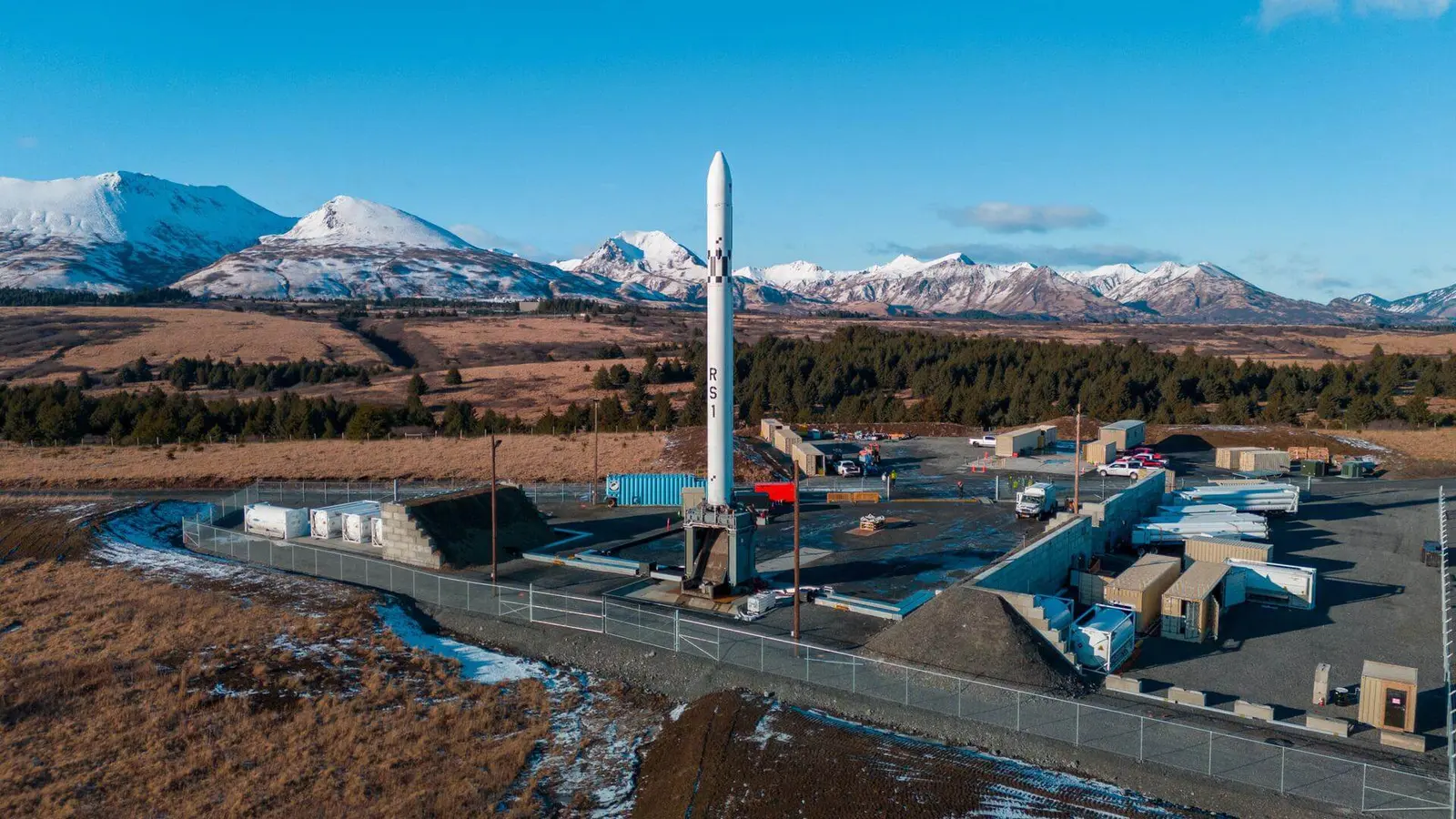
Latest published target
June 2024 · date to be confirmed. The day and time remain unconfirmed.
Source record updated . This is a source update, not a confirmed launch time.
Check the source: Launch Library ↗
Checks for schedule changes while this page is visible.
Time to target
Target pending
Target time, not a confirmed liftoff.
LAUNCH SITEPacific Spaceport Complex, Alaska, USA
Mission
This is the second launch of RS1 launch vehicle developed and built by ABL Space Systems. Payload onboard is TBD.
- Launch vehicle
- RS1
- Mission type
- Test Flight
- Destination orbit
- Low Earth Orbit
- Launch pad
- Launch Pad 3C
- Provider
- ABL Space Systems
The vehicle
Published configuration and flight history.
Launch vehicle
RS1
Second-stage launch vehicle developed by ABL Space Systems using their E2 RP-1/LOX rocket engine. Nine engines are used in the first stage and one in the second stage. The RS1 is designed to be deployed and launched from any suitably flat site using a containerized launch system transported by trucks.
- Height
- 26.8 m
- Diameter
- 1.83 m
- Stages
- 2
- Recorded launches
- 1
- First flight
- 2023-01-10
Launch window
A calendar entry will be available when a date is confirmed.
A precise launch window has not been published.
Launch site & orbit
Pacific Spaceport Complex, Alaska, USA
The mission in perspective
Launch site & orbit
Explore the launch pad, then pull back to see the shape of the destination orbit.
Understand this orbit
Watch in person
Plan around the launch.
Public viewing access varies by launch site. Check the operator’s official information before travelling.
Leave room for delays. Recheck the launch target, local weather and road closures on the day.
Before you set off
- Confirm the target and launch window.
- Check official viewing access and any booking requirements.
- Use a permitted viewing area. The launch pad is not a visitor destination.
- Keep the mission’s coverage link as a backup.
Coverage & sources
Links supplied by the mission data provider.
Coverage and times may change.
Mission coverage
No viewing link has been published yet.
Further reading
Launch Library ↗Follow on iPhone
Get reminders and schedule-change alerts. One active mission free.
Open mission in Spacian ↗