Recorded
- Launch target
- Launch window
Previous values
- Launch target
- Launch window

 Android BETAJoin beta group Closed guest beta · 1.6.0 (4). Join the group first, then join the test on Google Play ↗ using the same Google account. Account sign-in, Premium and alerts are unavailable in this beta.

Falcon 9 Block 5
Fifteenth batch of satellites for a reconnaissance satellite constellation built by SpaceX and Northrop Grumman for the National Reconnaissance Office to provide imaging and other reconnaissance capabilities.
Save to find this mission in My space. Follow in the iPhone app for reminders and schedule changes.
This is the current published target, subject to schedule changes.
Source record updated
Check the source: SpaceX ↗ · Launch Library ↗ · Flight Club ↗
Recorded source changes. These do not establish the reason for a delay.
Earlier unrecorded changes are not reconstructed.
Checks for schedule changes while this page is visible.
Launch target may change.
Fifteenth batch of satellites for a reconnaissance satellite constellation built by SpaceX and Northrop Grumman for the National Reconnaissance Office to provide imaging and other reconnaissance capabilities.
Published configuration and flight history.
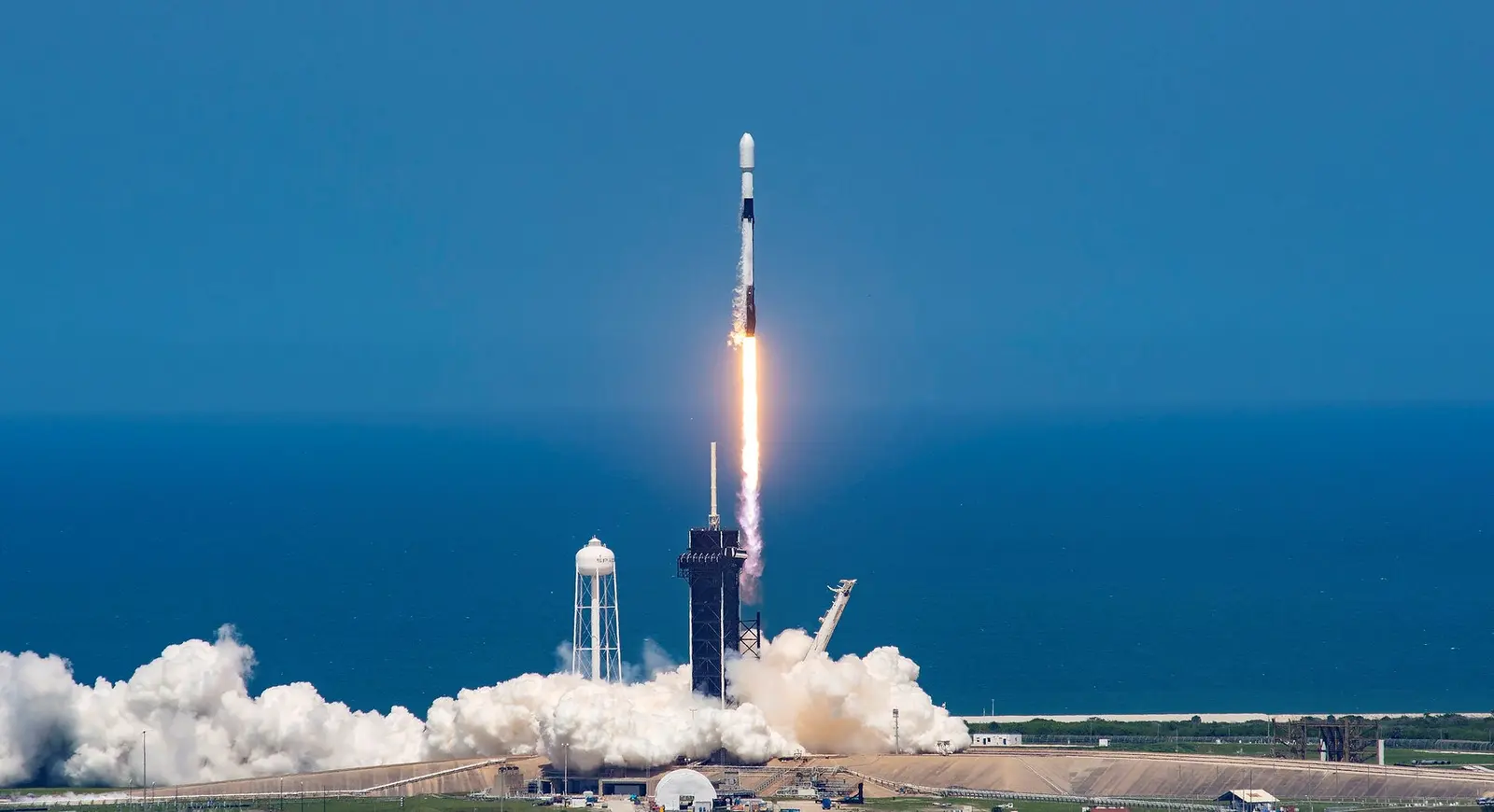
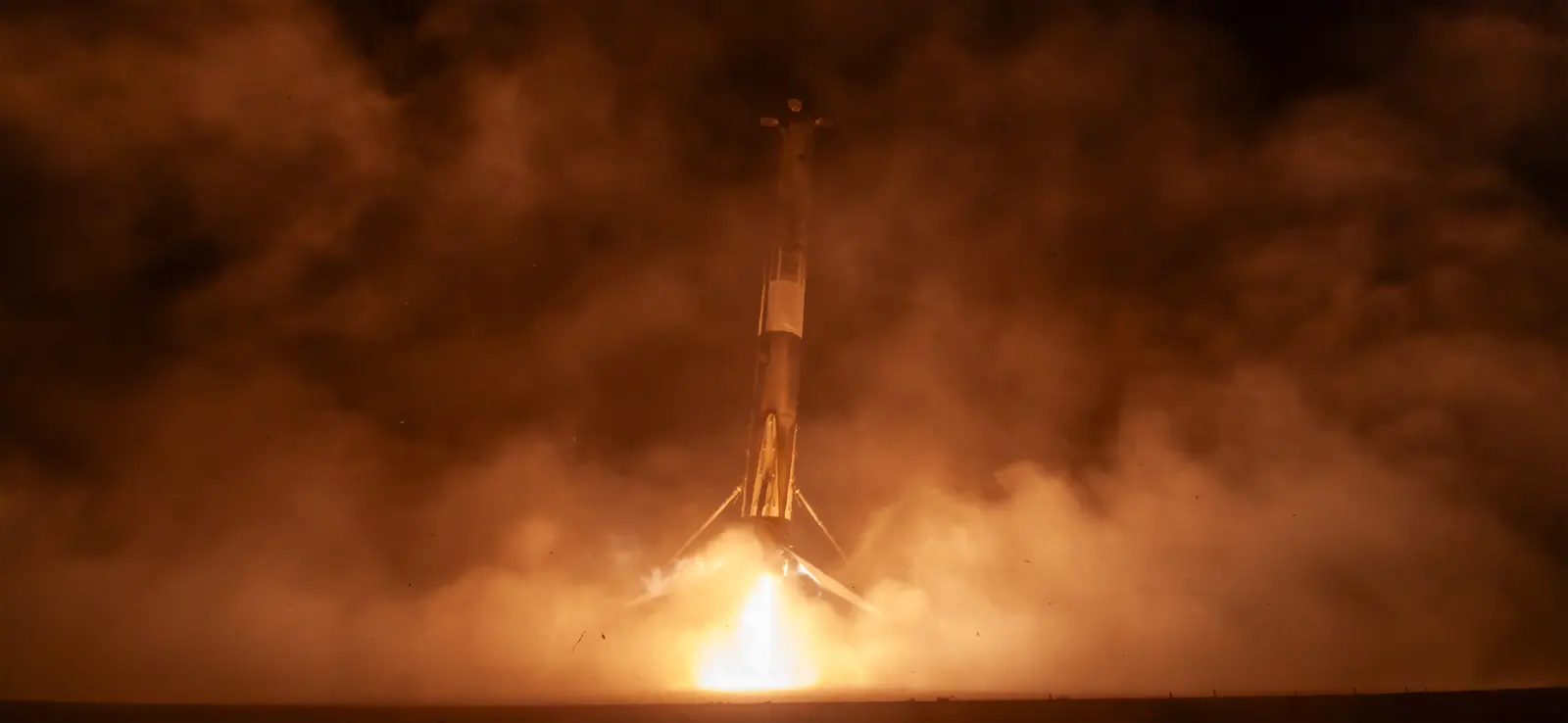
Falcon 9 is a two-stage rocket designed and manufactured by SpaceX for the reliable and safe transport of satellites and the Dragon spacecraft into orbit. The Block 5 variant is the fifth major interval aimed at improving upon the ability for rapid reusability.
Downloads one .ics entry. It keeps the time shown here and won’t update automatically.
Download calendar entry Set up a calendar subscriptionTarget ·
The target marker shows its position within the published window. The schedule may change before launch.
Planned sequence, not live telemetry. Times are relative to the launch target.
Vandenberg SFB, CA, USA
Explore the launch pad, then pull back to see the shape of the destination orbit.
Understand this orbit
NASA geography with illustrative lighting. No live tracking or simulated ascent. Orbit motion is accelerated and representative. NASA Blue Marble source.
Check the base’s current launch notices and access restrictions before travelling.
Leave room for delays. Recheck the launch target, local weather and road closures on the day.
Vandenberg launch announcements ↗Get reminders and schedule-change alerts. One active mission free.
Open mission in Spacian ↗Android BETAJoin beta group Closed guest beta · 1.6.0 (4). Join the group first, then join the test on Google Play ↗ using the same Google account. Account sign-in, Premium and alerts are unavailable in this beta.